
Searching and filtering#
Navigate to Circa's database by clicking the Library tab, where you can search and license all available LCA data.
Search#
Search by clicking the magnifying glass or using the keyboard shortcut Ctrl/Cmd + K. Use the filters in the top bar to refine your search.
Switching between data types#
Use the Data Type filter in the top bar to switch between Processes, Intermediate Materials, Elementary Materials, and Graphs.
Opening a record#
Click the ⓘ info icon on the right side of any row to open an expanded view.
From a Process you can license the exchange quantities and the Process LCIA values.
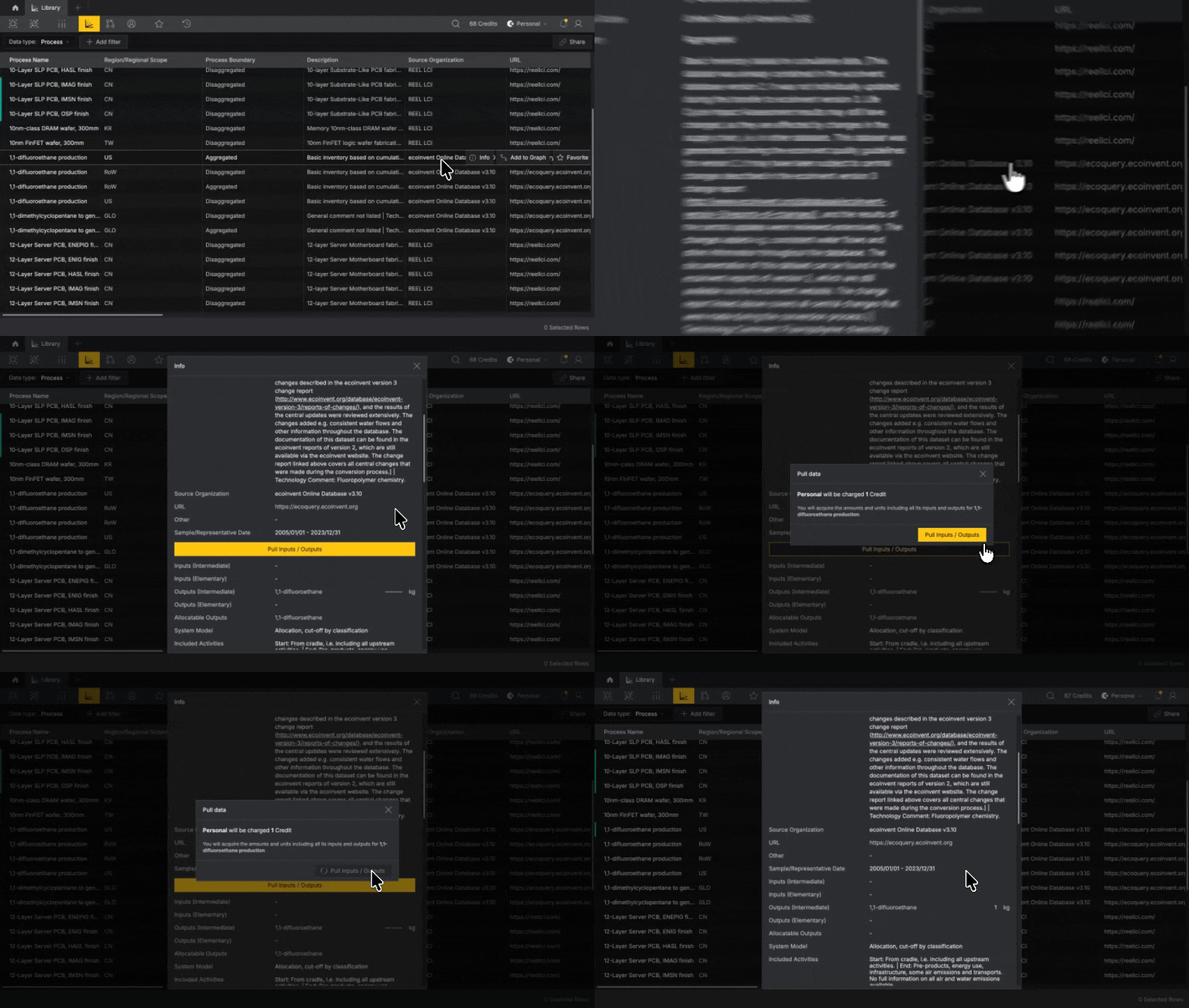
From a Material you can license the exchange properties.
Everything shown before you license is free to read. See Data licensing and credits.
Filtering by Process Boundary#
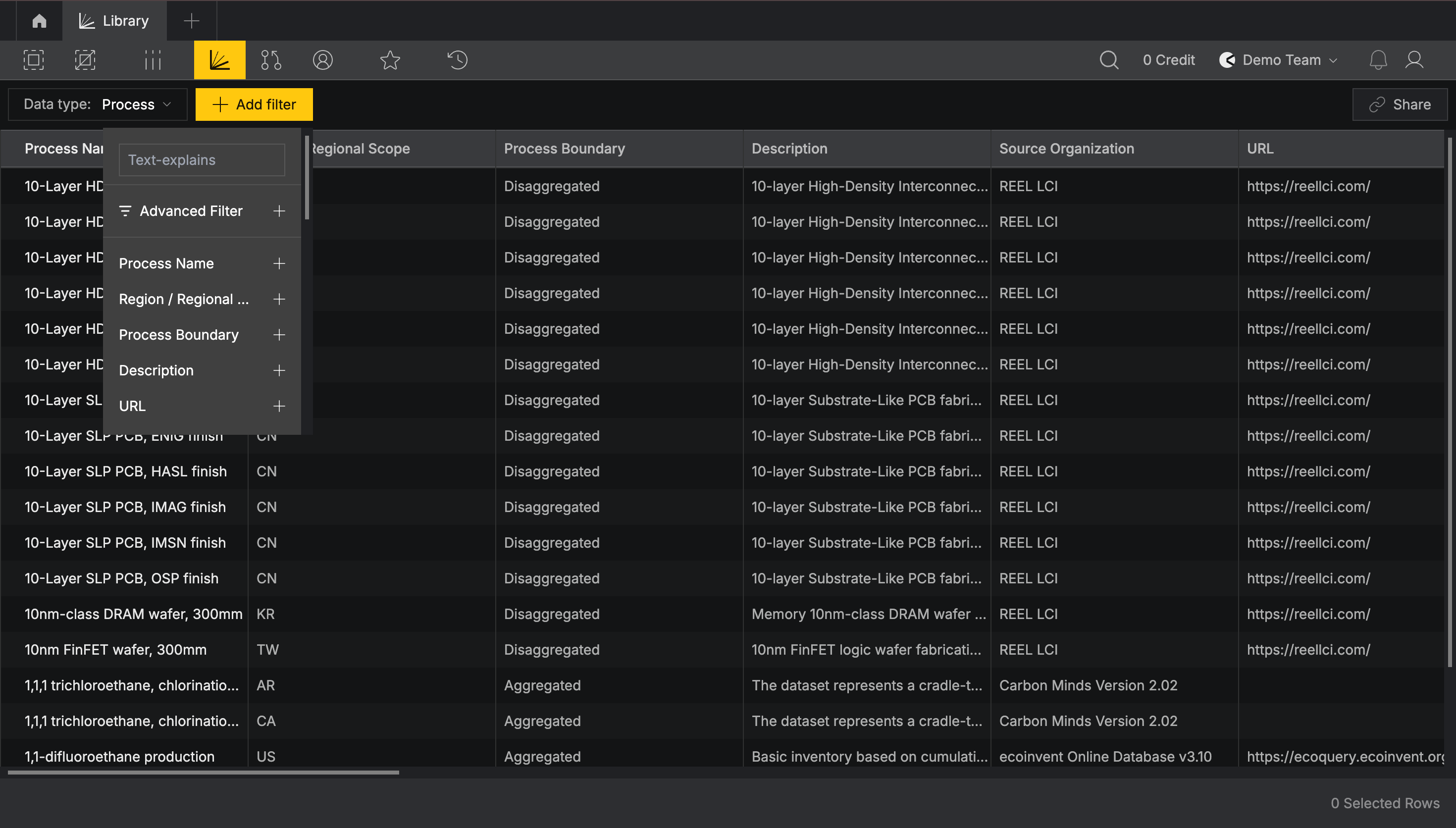
To show only Partially Aggregated datasets, click Add filter, then Process Boundary
Your licensed data#
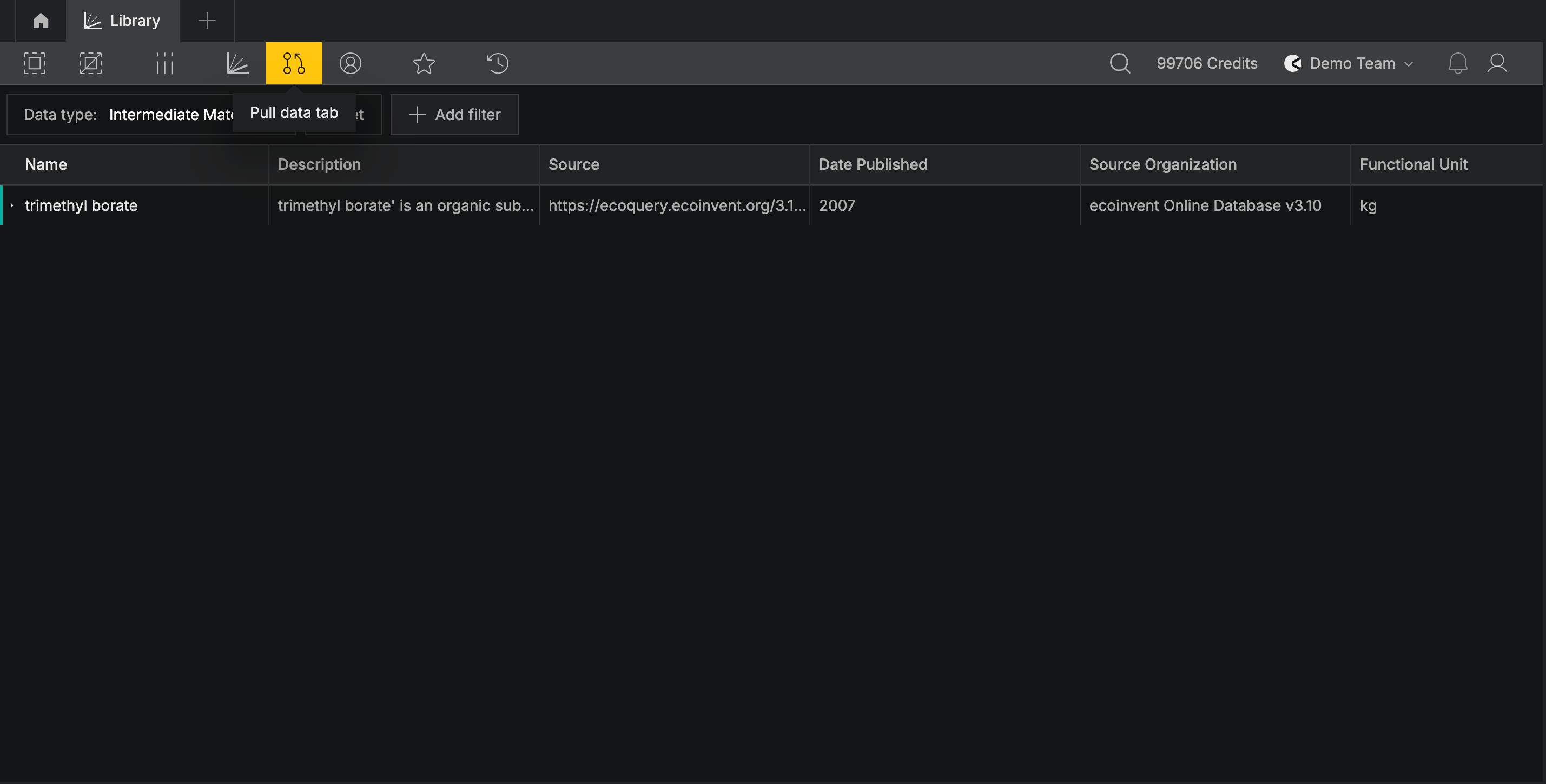
Find all data you have licensed using the Pulled Data tab in the top bar.
Pulled Data is also filtered by the Data Type filter. If you are looking for a Material and the filter is set to Processes, you will not see it.
Team Data#
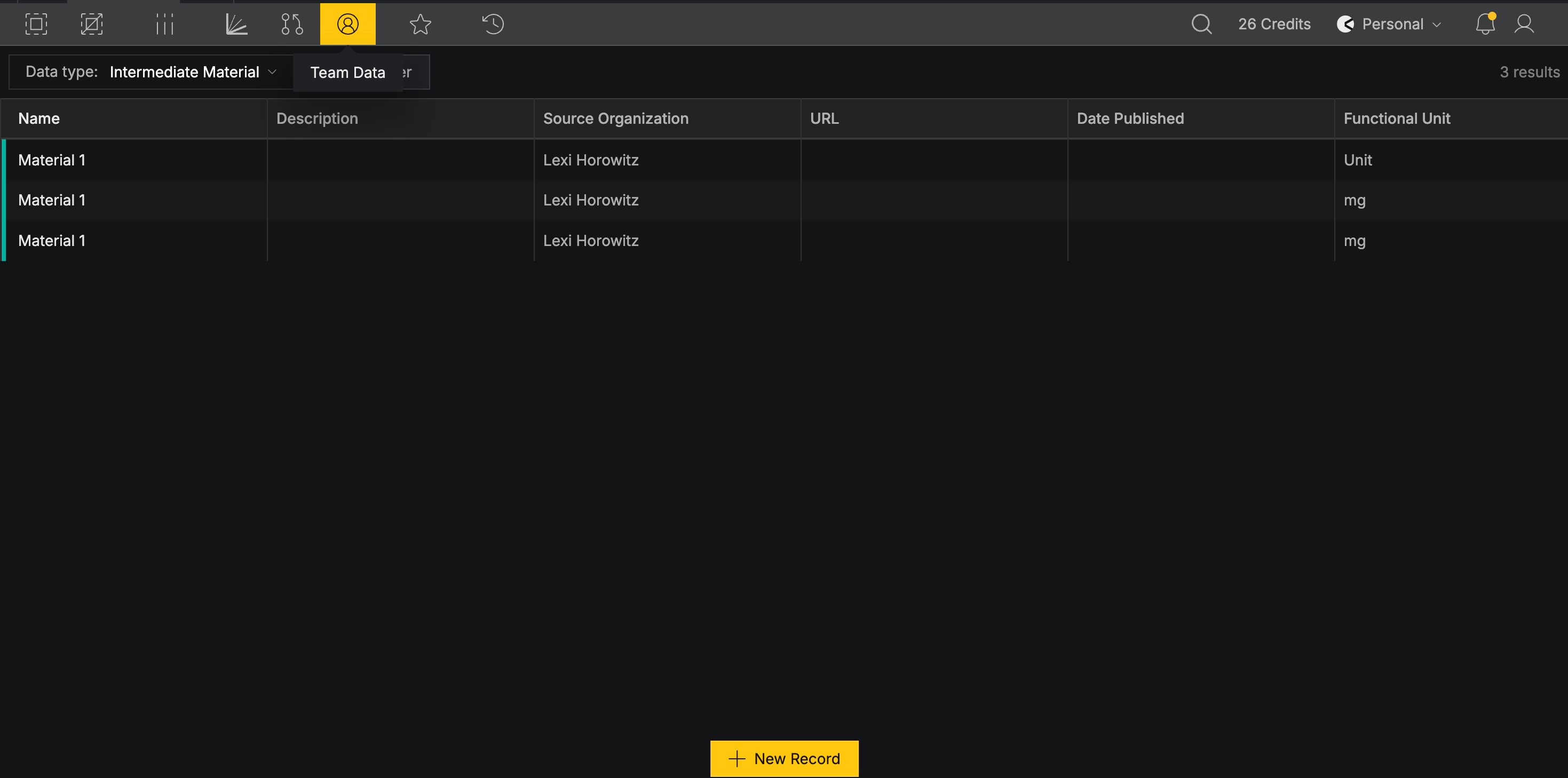
The Team Data tab holds records your team has published. It is also where you create new records to publish.
###
