
Home Screen#
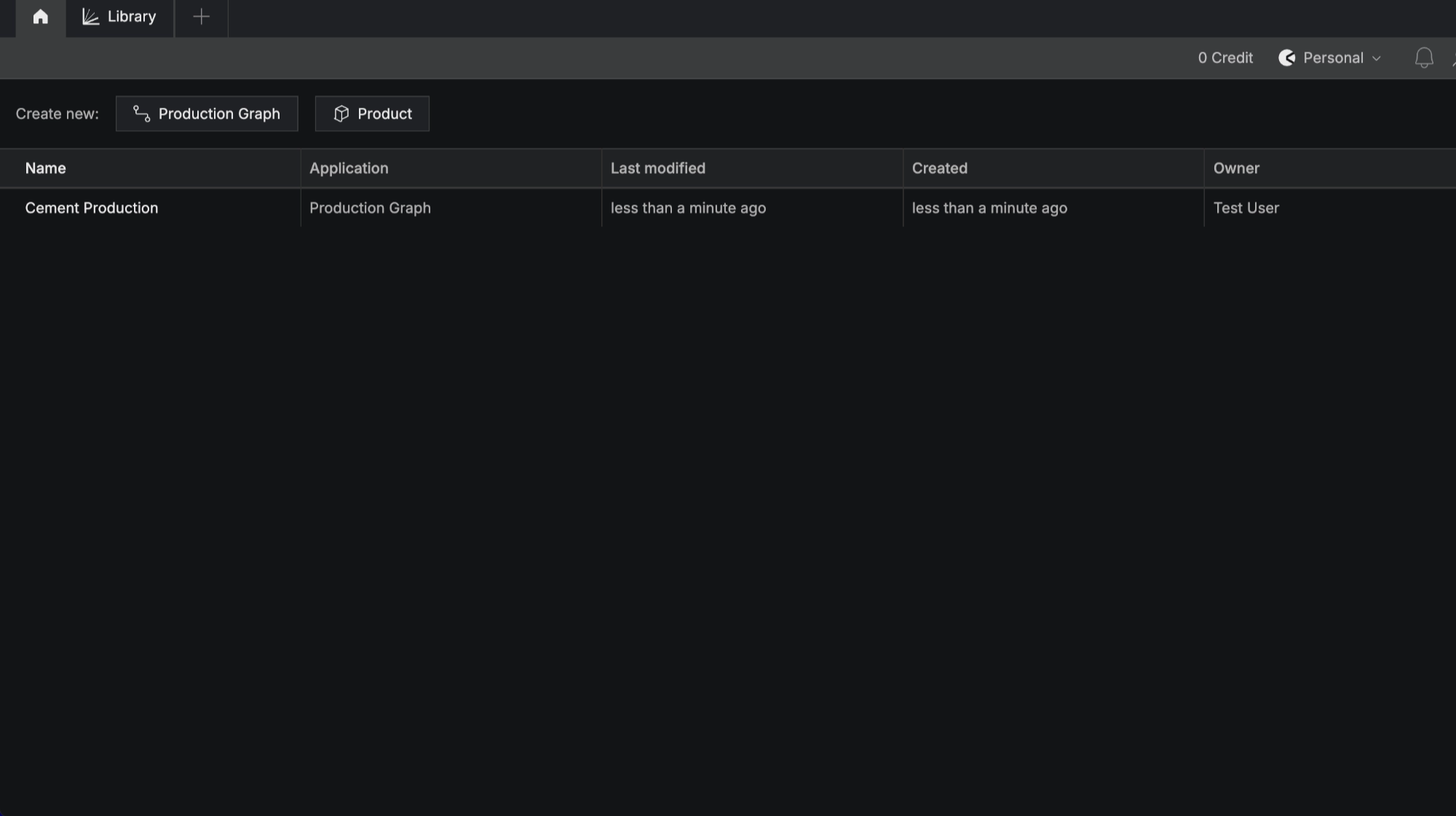
After logging in you arrive at the LCA Studio home screen. By default you are in your Personal team.
Sharing graphs and data is not available on Personal teams, so create a team first if you plan to work with anyone else.
Create a team#
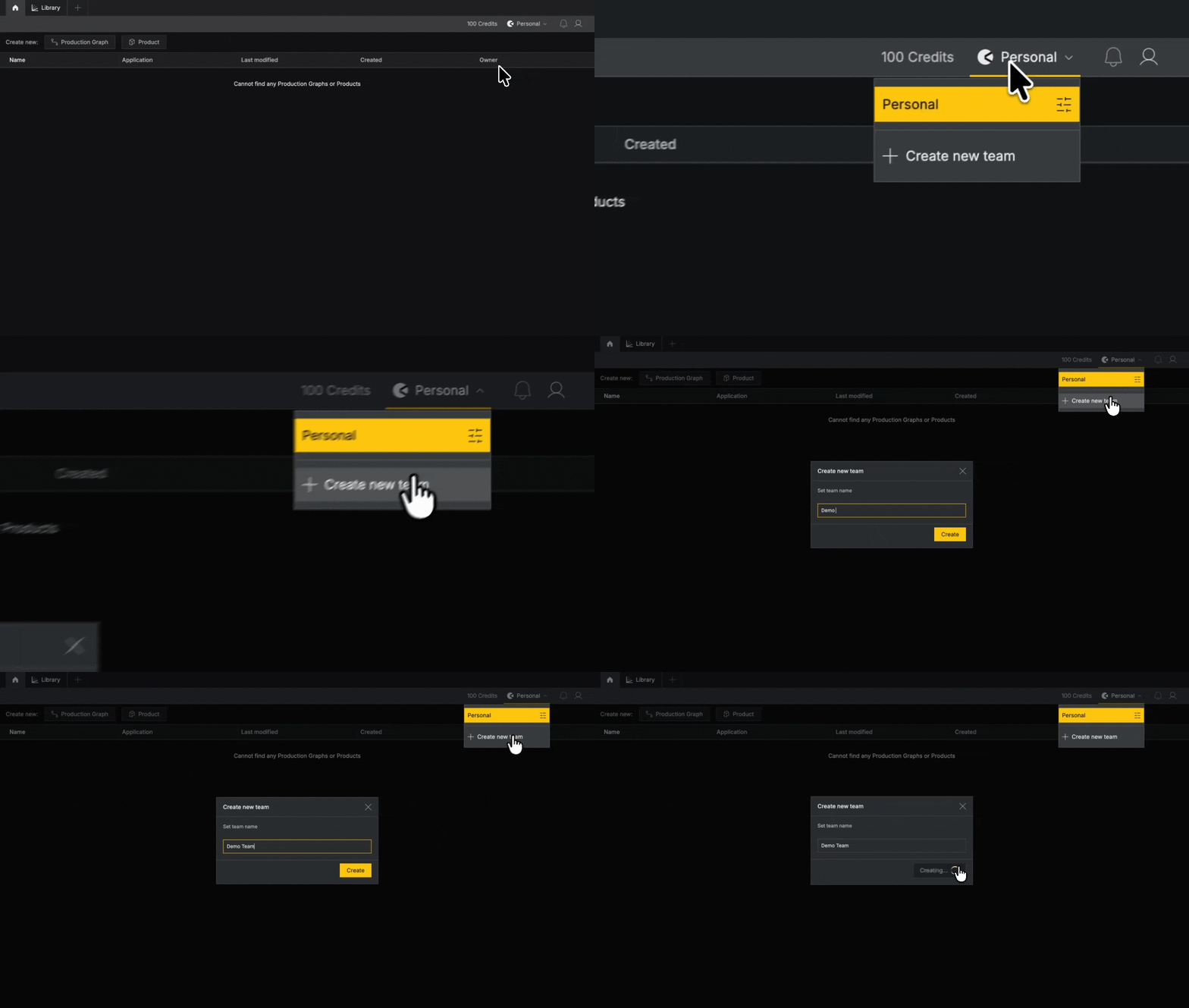
Click the team name, Personal team, in the upper-right corner. Select Create new team, name your team, and click Create.
Invite teammates#
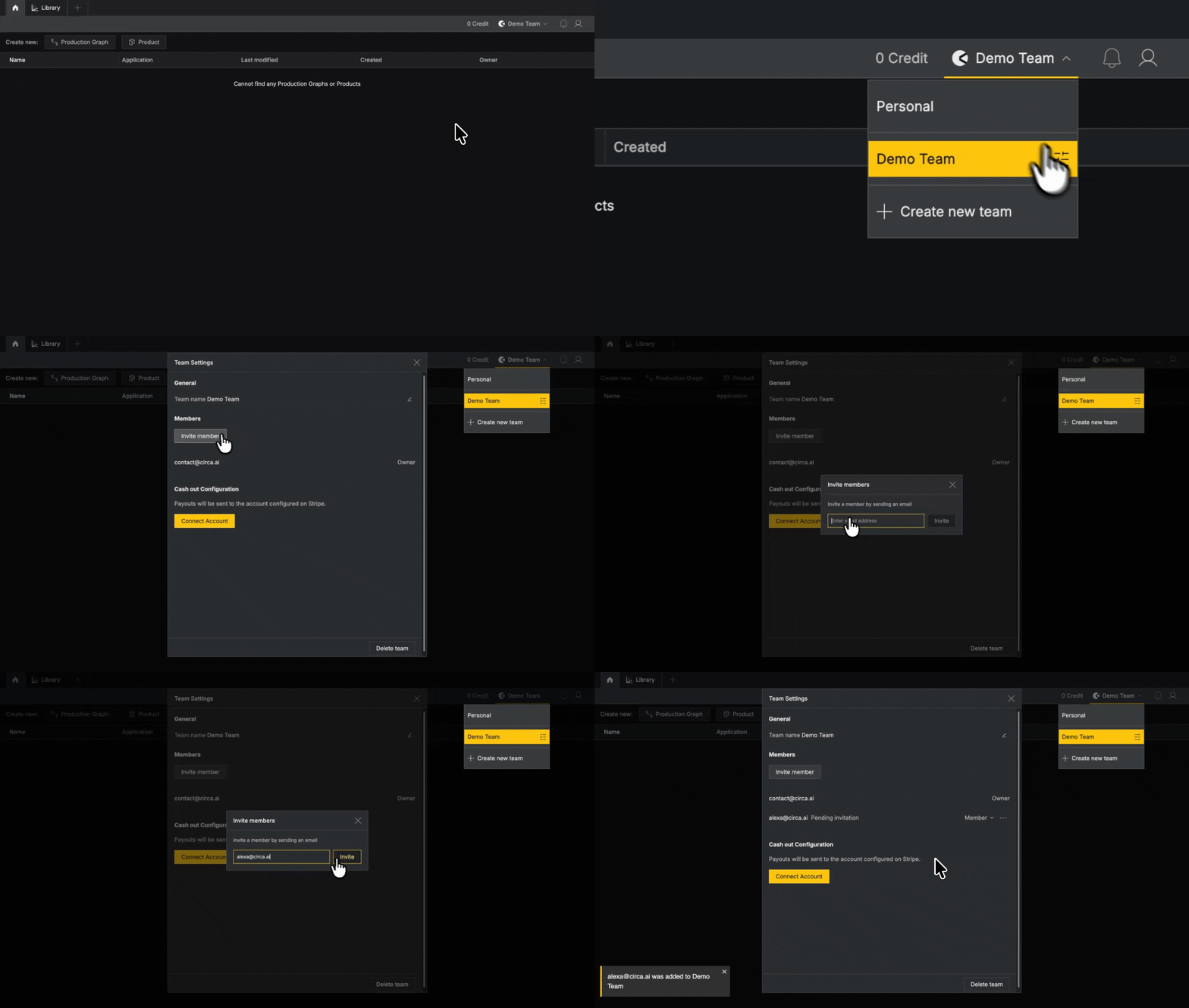
Click your team name, then the control button to the right of it. Select Invite members and enter the recipient's email address.
They receive a login email. Once they log in, an in-app notification lets them accept access to your team.
Team workspaces are free and have unlimited members.
Buy credits#
Credits license data. How many you need depends on the scope of your project, and you can buy more at any time.
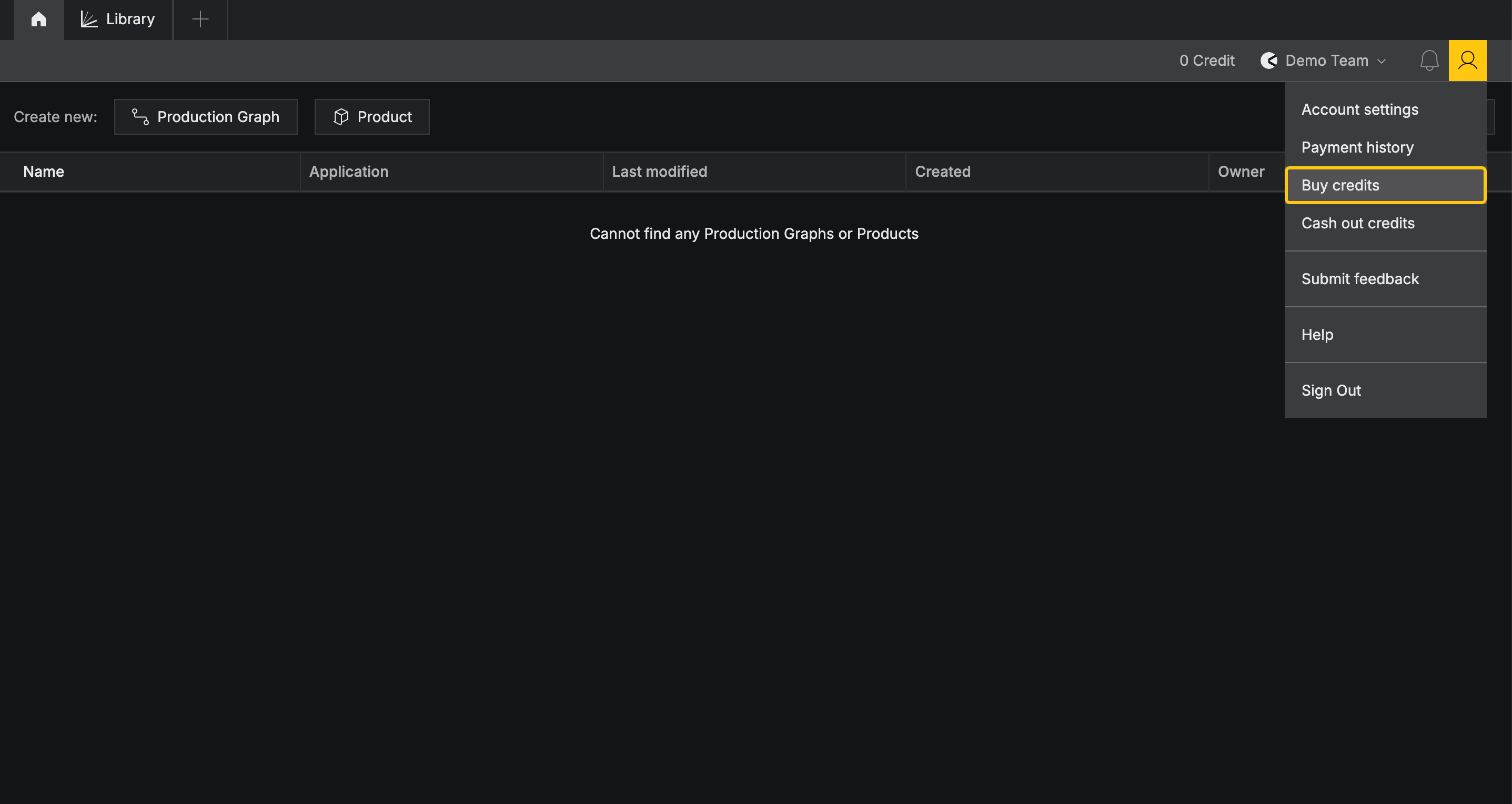
Purchase credits by clicking the profile icon in the upper-right corner and selecting Buy credits. You’ll be redirected to Stripe to complete your purchase.
You do not need credits to start. See Data licensing and credits for what is free and what is charged.
Create your first graph#
LCA modeling is free in Circa’s modeling tool, Gesserit.
From the home screen, click Create new: Production Graph and name it to start a new model.
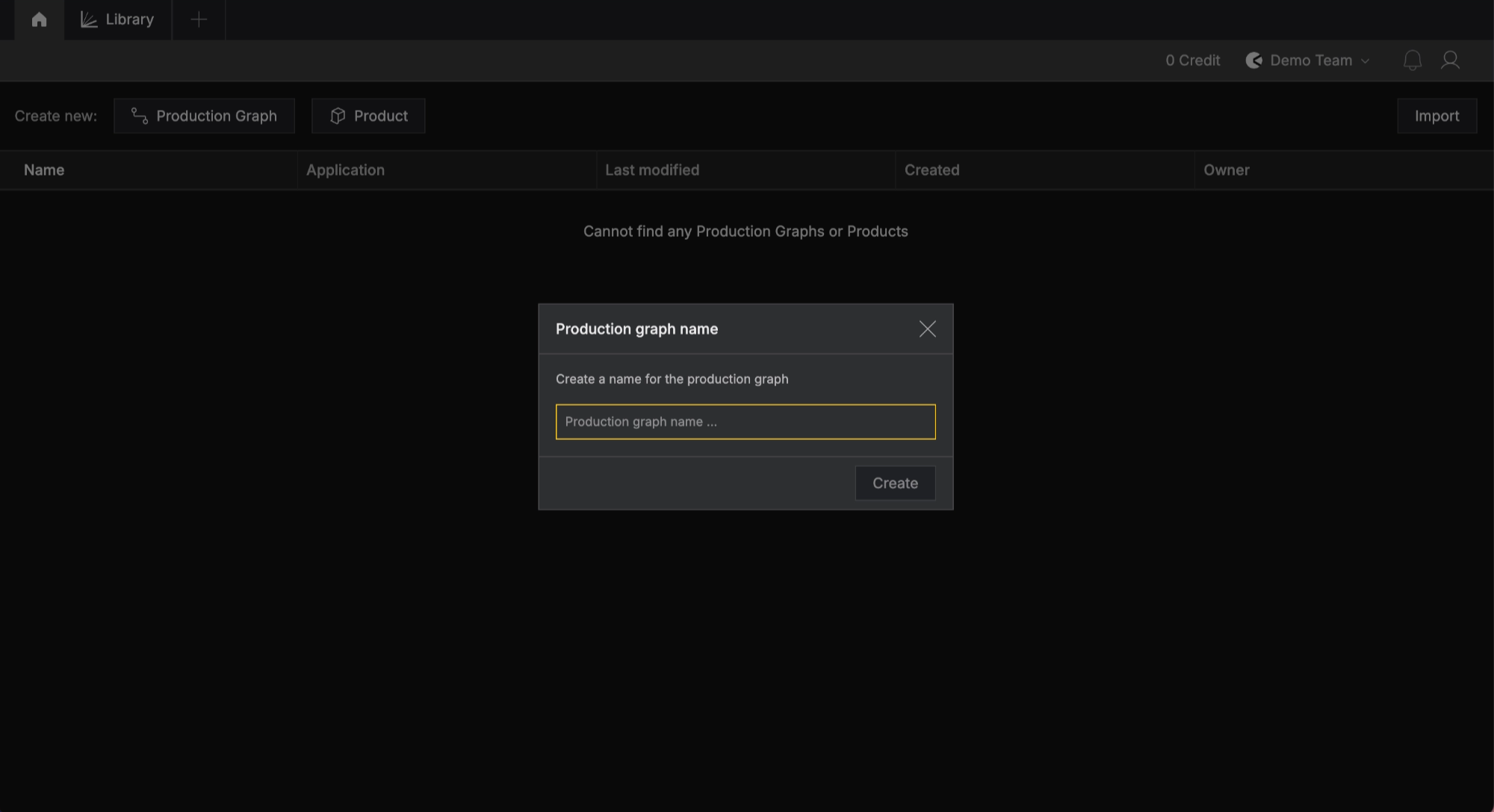
From the home screen you can also view, rename or delete models created by your team.
For detailed instructions on performing LCA in Gesserit, see Begin Modeling
